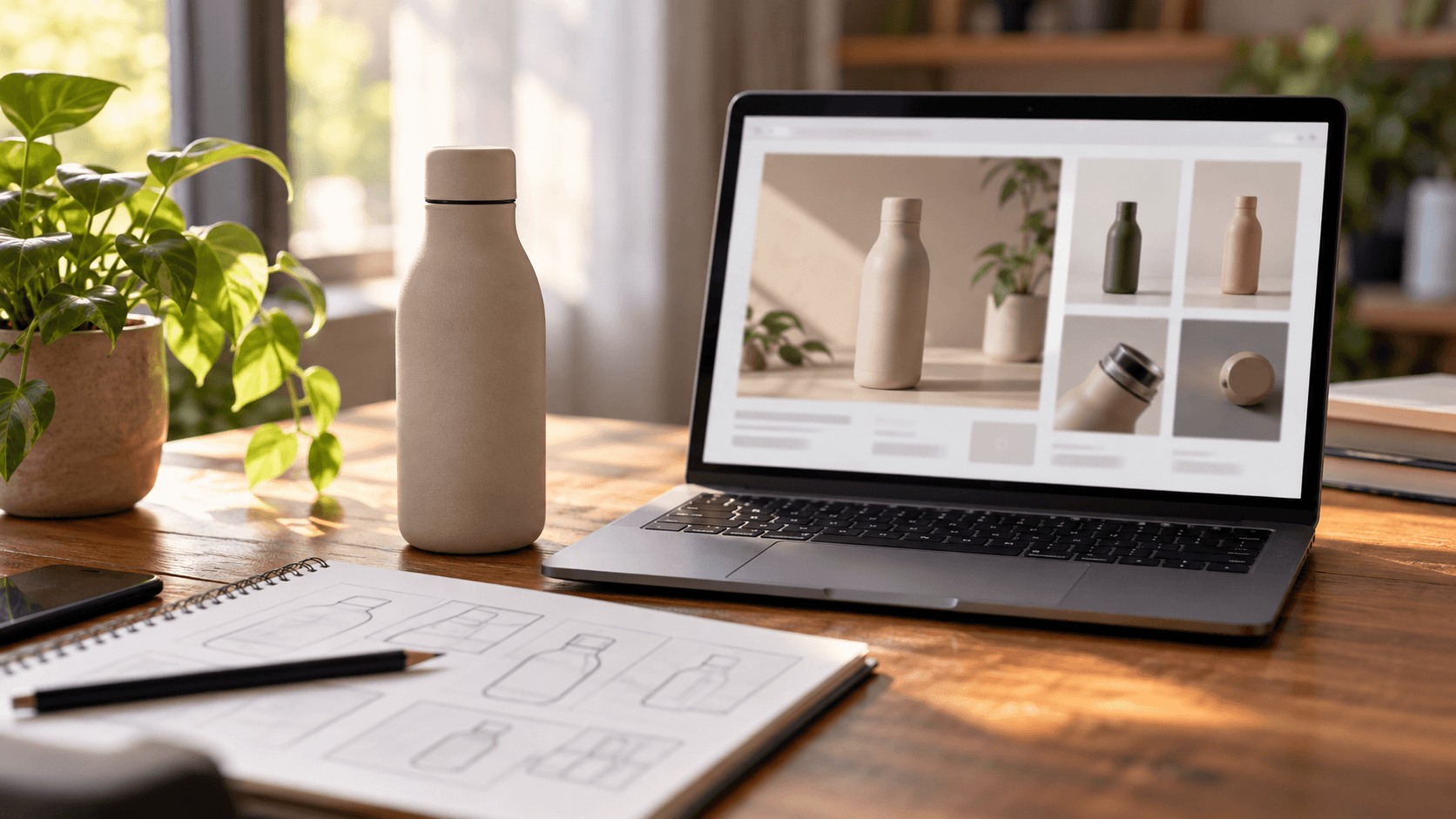
A+ Content is the section of an Amazon product page, below the bullet points, where a brand can use images, comparison tables and longer text. Brand Story is a separate section on the same page, labelled "From the brand", that tells shoppers who makes the product. Both are limited to brands enrolled in Amazon Brand Registry.
This post covers who is eligible, how Basic and Premium differ, what Amazon documents about images, the mistakes that get content rejected, and a way to plan the image set. One caution: the Amazon pages we could open do not publish pixel dimensions, so where sizes appear below we say where they come from.
What A+ Content and Brand Story are
Amazon's US seller guide, published on 24 September 2025, describes A+ Content as a way for sellers with registered brands to improve product detail pages with imagery, video, rich text and comparison charts. It is managed in the A+ Content Manager, under Advertising in Seller Central. A standard listing, by comparison, is limited to a 2,000-character text description with no graphics, according to an Amazon India seller blog post.
The same guide describes Brand Story as its own section that can hold images, text, carousels and links to your products and storefront. It does not need other A+ Content on the ASIN.
Who can use them
A Professional selling plan, per Amazon's US guide. Check the India requirement in Seller Central.
Enrolment in Brand Registry. Amazon India's page says you can start if you have an active registered or pending trademark.
ASINs that belong to your approved brand catalogue. You cannot add A+ Content to products outside it.
Brands without a trademark are pointed to Amazon IP Accelerator, a network of law firms that handle trademark filing. Plan for this lead time, since it can come before everything else in this post.
Premium A+ is narrower. Amazon's guide says it is limited to registered brands that meet certain criteria and tells sellers to check eligibility in Seller Central. Older Seller Central posts listed specific criteria, and some 2026 trade reports say access has since widened. We could not confirm either from Amazon, so check your own A+ Content Manager for current access.
Basic and Premium A+ compared
| Basic A+ | Premium A+ |
|---|
Modules per ASIN | Up to 5 | Up to 7 |
What it adds | Text, images, logo, comparison charts, technical specification charts | Larger full-width images, 720p video, interactive hotspots, navigation carousels, Q&A, enhanced comparison charts |
Access | Professional plan and Brand Registry | Registered brands meeting Amazon's criteria |
Amazon's own sales claim | Up to 8 percent increase | Up to 20 percent increase |
The last row is Amazon's marketing claim. The guide does not state the conditions or sample behind it, so do not use it to forecast your own result.
What Amazon actually documents about images
The documented rules are few. Files should be no larger than 2 MB. Low-resolution and animated images are not allowed. You need the rights to every image, video and line of text. Amazon also advises avoiding text embedded in images so that mobile shoppers can read the page, and previewing desktop and mobile versions before you submit.
Dimensions are the gap. The Amazon guides we opened do not list them, and third-party guides disagree with each other. Seller Central shows the required size when you pick a module, so confirm there before any final artwork is made.
Mistakes that get A+ Content rejected or ignored
Claims such as "best-selling" or "top-rated".
Warranty or guarantee wording in text.
Pricing, promotions, shipping details, QR codes, hyperlinks or contact details.
Any reference to or comparison with competitors. Keep comparison charts to your own range.
Words in images. Text inside pictures is also reviewed for prohibited keywords, and it becomes unreadable on a small phone screen.
Typos and unsupported awards. Amazon asks that endorsements be traceable to the certifying body and year.
Skipping the mobile preview.
How to plan the image set
Amazon does not prescribe a layout, so this sequence is our suggestion. Start from the questions a shopper has while scrolling and give each module one job.
Opening module: one hero image of the product and a single-sentence promise in the text field, not in the picture.
Features: three or four images, each showing one feature, with short captions.
Size and use: the product in a real setting or next to a familiar object, so scale is clear.
Detail: close-ups of material and finish. For technical products, a cutaway or exploded view.
Variants: colours or sizes together in one module.
Comparison chart: your own range only, with a few rows.
Brand Story: logo, origin and what the brand stands for, with one strong focus image.
Design for a phone first. Large shapes and short captions survive; fine print does not.
Where CGI helps and where it does not
CGI fits the technical modules well: exploded views, cutaways, internal parts, scale diagrams, and every colour of a product from one model with identical lighting. It also works before a product is manufactured. Our guides on product image types and on CGI for Amazon and Flipkart go further on this.
It is the wrong tool for a Brand Story built on people and places, such as a founder, a workshop or a farm. Fabric, food and handmade textures are usually better photographed. And a render should never show a finish better than the real product, since that only produces returns and bad reviews.
A short checklist before you submit
Open each module in A+ Content Manager and note its required image size.
Read every caption and heading for banned claims, prices and competitor references.
Check that every image would still make sense with the text field covered, and that no sentence is trapped inside a picture.
Preview desktop and mobile.
Confirm the ASINs attached all belong to your brand catalogue.
Reviews take time, so submit early if you are working to a sale date.
How Smapit can help
Smapit is a Gurugram-based AI-powered, human-led studio that makes 3D models, product renders and listing and A+ content images for brands in India, the US and the UAE. If you want to test a hero module or an exploded view before committing, request a free sample on the contact page.
Frequently asked questions
Do I need Brand Registry to use A+ Content?
Yes. Amazon requires you to be registered as the brand owner through Brand Registry, and its US guide also asks for a Professional selling plan. Content can only be added to ASINs in your approved brand catalogue.
Can I get Brand Registry without a trademark?
Amazon India's Brand Registry page asks for an active registered or pending trademark. Brands without one are directed to Amazon IP Accelerator.
What is the difference between Brand Story and A+ Content?
Brand Story is a "From the brand" section about the company, with images, text and carousels. A+ Content is the product-specific section lower on the page. Brand Story does not require A+ Content on the same ASIN.
What image size should I use for A+ Content?
Amazon's guide states a 2 MB file limit but not dimensions. Seller Central shows the required size for each module, so check it before producing final images.
Can I mention discounts or compare with other brands in A+ Content?
No. Amazon's guide bars pricing, promotions and any comparison with competitors. Keep comparison charts to your own products.
Sources: Amazon, "How to create A+ Content: Design tips, guidelines, and examples" (sell.amazon.com), 24 September 2025; Amazon India, "What is Amazon A+ Content?" (sell.amazon.in seller blog, undated); Amazon India, "Launch your brand on Amazon.in" (Brand Registry page, undated); Amazon Seller Central news post, "Update to Premium A+ Content eligibility requirements" (undated, may be outdated).